Reports and letters
Use our document translator for Word documents with complex tables, headers, footers and footnotes without sacrificing formatting.
Translate Word, PowerPoint, Excel and EPUB files directly on your device with formatting intact. Private in-browser processing, zero uploads, and offline ready.
Drop Word, PowerPoint, Excel or EPUB files here
or click to choose files from your device
Around 40 MB per file on this device · Unpacked and translated locally, never uploaded
Free to use · 100% private · No file uploads · Offline after model download
A document translator changes the language of an entire file while preserving its layout, fonts and structure. Instead of manually copying paragraphs into a text box, the tool unpacks your file and delivers a rebuilt document ready for Word, PowerPoint, Excel or an EPUB reader.
These formats are archives of XML or XHTML. It opens the archive, translates each paragraph locally on your machine, and puts it back together in your browser. How document translation works explains what survives and where formatting can change.
Three simple steps, from original file to translated copy.
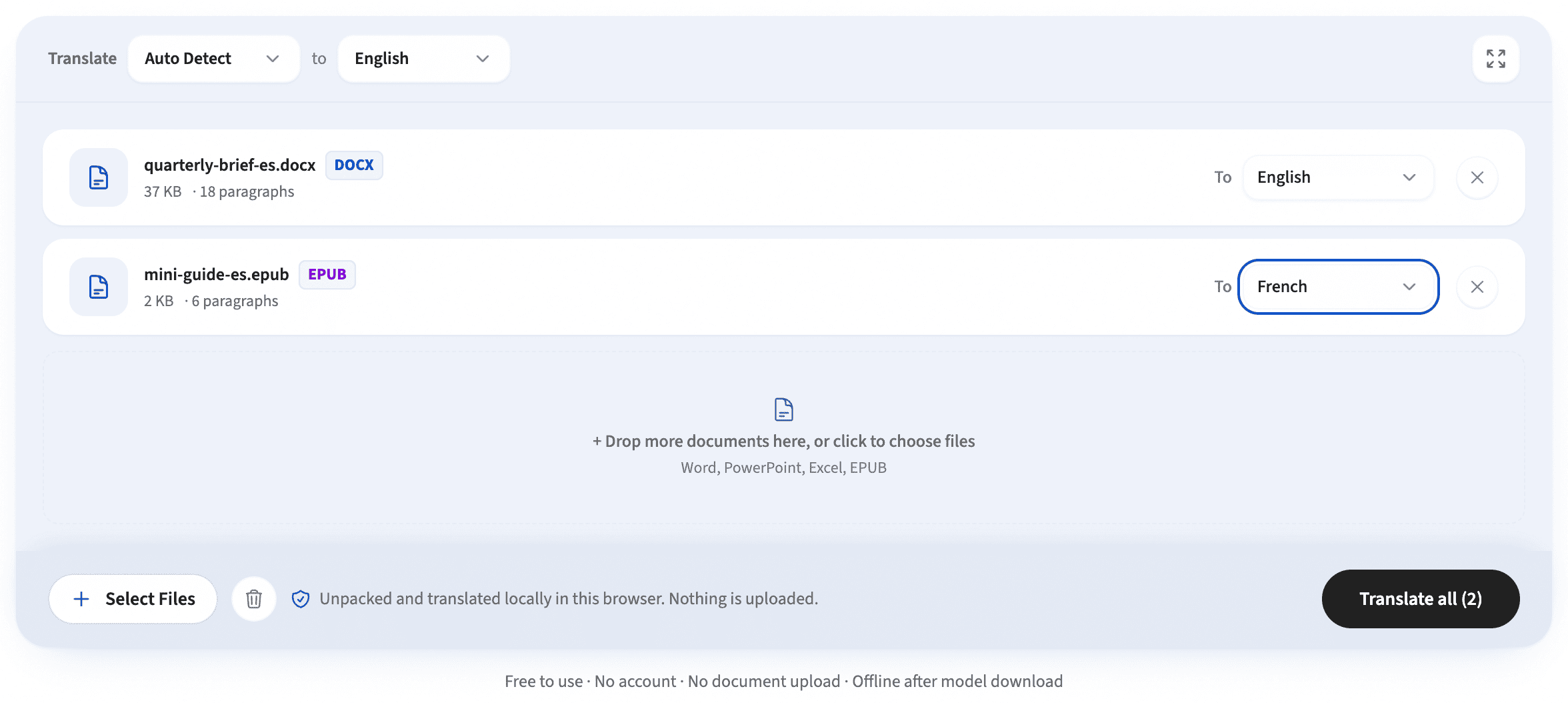
Drop .docx, .pptx, .xlsx or .epub files into the document translator panel, or try the sample Word document.
Choose the source and target languages. You can set a unified target language or pick individually for each file.
Download completed files with layout and formatting intact. The document translator lets you save files individually or in a batch .zip.
Our document translator supports major file formats, translating text while keeping the surrounding archive structure intact.
Headings, lists, tables, images and page layout survive. This document translator processes body text alongside headers, footers, footnotes and endnotes.
Every slide text box plus speaker notes. Positions, shapes, themes and images are left untouched.
Cell text is translated from the shared string table. The document translator leaves numbers, dates and formulas intact.
Every chapter translated with book CSS and images preserved for reading in any e-reader.
Curious how the rebuild works? See how paragraphs are reassembled and written back into the archive.
Read and share documents in any language while keeping professional formatting in the office apps you use daily.
Use our document translator for Word documents with complex tables, headers, footers and footnotes without sacrificing formatting.
The document translator translates slide decks and speaker notes while preserving card layouts, themes and visual hierarchies.
Translate Excel spreadsheets and data sheets without disturbing formulas, numbers or dates.
Translate EPUB books while retaining chapters, illustrations, and typography for comfortable reading.
Most online tools upload confidential files to third-party cloud servers. This private document translator runs entirely in your browser using local AI models—your sensitive files never leave your computer.
The first translation caches the language model locally. Once downloaded, this document translator works offline with zero internet dependency. Read why private translation matters.
Frequently asked questions about our free, private document translator.
A document translator rewrites the text in a file in another language and rebuilds a downloadable document. This free tool opens Word, PowerPoint, Excel and EPUB archives in your browser, translates complete paragraphs locally, and keeps original styles, tables, images and layout structure intact.
Drop files onto the translator. Word, PowerPoint, Excel and EPUB files are archives of XML/HTML. It unpacks them locally in your browser, translates the text using on-device AI models, and repacks the archive into a real downloadable file. No document data is ever uploaded to a server.
Yes, structurally. It copies every style, heading, list, table, image, font and layout tag through untouched—only the characters inside text elements change. Paragraphs are translated whole so the AI model sees full sentence context and produces natural, fluent phrasing.
Because of how Word stores text. It splits a paragraph into "runs" whenever formatting changes, so one sentence often arrives as several fragments. Translating fragments separately produces broken phrasing, so paragraphs are merged for translation and apply the primary styling, ensuring a fluent and accurate result.
This document translator supports Word (.docx), PowerPoint (.pptx), Excel (.xlsx) and EPUB books (.epub). All four are zip archives of XML or XHTML, allowing local processing in your browser. Older binary formats (.doc, .ppt, .xls) should be saved in modern formats before translating.
The document translator suggests a comfortable file size based on your device capabilities. Unpacked archives use local memory, and longer documents display real-time progress indicators as each section is translated.
Yes. In Word files, headers, footers, footnotes and endnotes are separate XML parts inside the archive, and this document translator translates all of them. In PowerPoint, every slide and every speaker notes section is translated.
Yes, it is the exact use case this document translator was built for. Contracts, financial filings, internal reports, HR letters and proprietary documents are safe because there are zero upload endpoints. Everything stays strictly inside your browser.
For a closer look at text runs, formatting and rebuilding, read how document translation works.
Experience on-device translation that keeps your formatting intact. Drop your files or test our sample Word document.
Open document translator