How to Translate Offline: Use LangsAny Without Internet

A translator that needs the internet fails exactly when you need it most: on a plane, in a foreign country without a data plan, in a basement archive, on unreliable hotel Wi-Fi. LangsAny is an offline translator by design — a free tool that lets you translate offline whenever the network disappears. Here is how to set up offline translation, step by step.
Step 1: Prepare a language pair (while online)
Offline translation needs one thing in advance: the model for your language pair must be on your device. While you still have a connection:
- Open langsany.com and choose your languages — for example English → Spanish.
- Translate any short sentence. The first run triggers a one-time model download (roughly 50–120 MB) with a visible progress bar.
- When the status line confirms the model is cached, you are ready to translate offline.
Going both directions?
Each direction is a separate model. If you plan to translate offline both ways (English → Spanish and Spanish → English), run one translation each way so both models are cached before you disconnect.
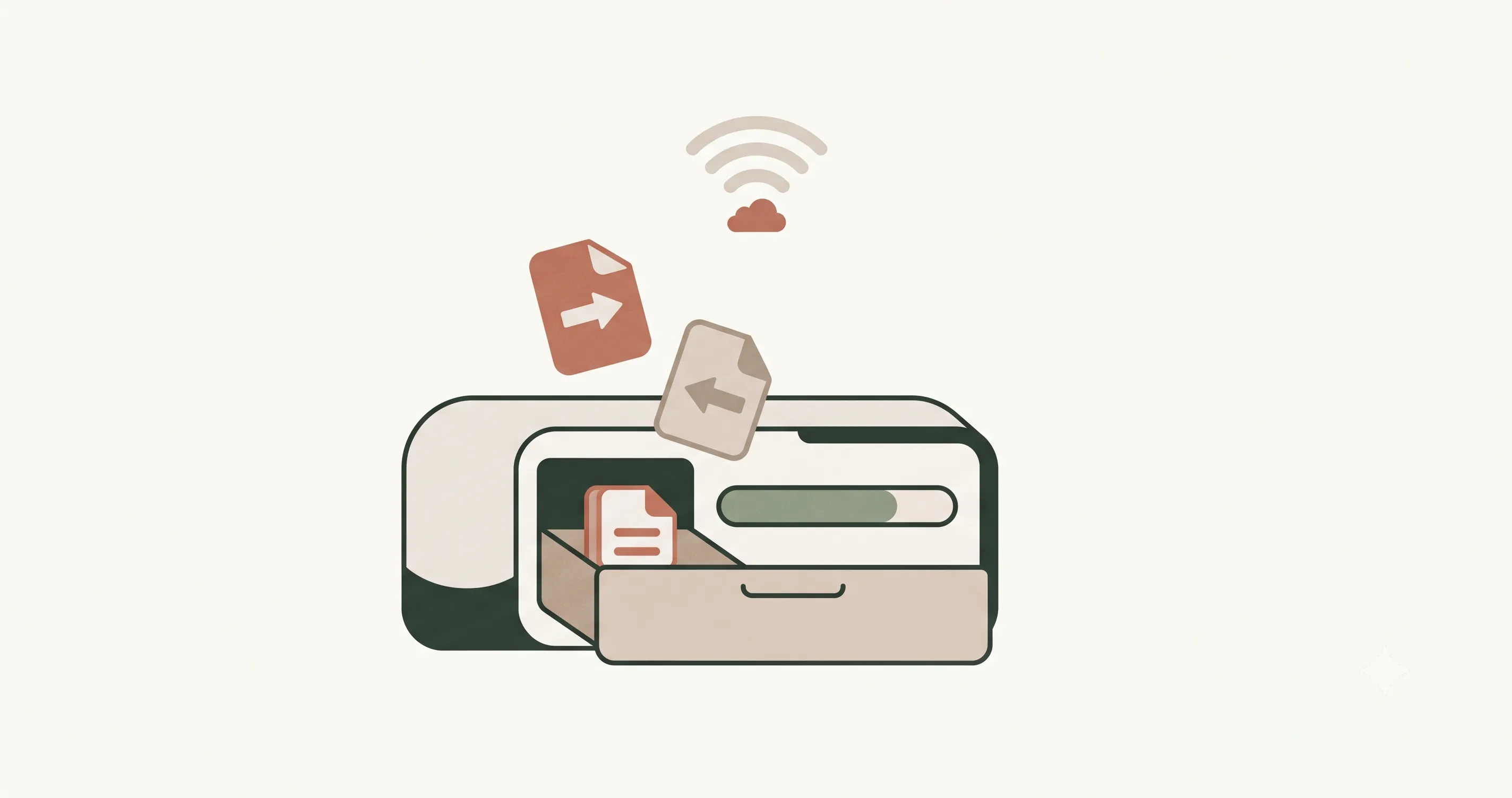
Step 2: Translate offline
That's it — there is no real step two. With the model cached, translation no longer touches the network. The site itself is cached too, so you can close the tab, go offline, and open langsany.com again later — it loads and translates with no connection. Airplane mode, dead zones, foreign SIM chaos — none of it matters to an offline translator whose model lives on your device.
When offline translation shines
| Scenario | Prepare in advance | What you get |
|---|---|---|
| Long-haul flight | Cache your pair before boarding | Translate offline mid-air, no Wi-Fi fees |
| Travel abroad | Cache pairs on hotel Wi-Fi | Menus, signs & messages without roaming |
| Fieldwork & rural sites | Cache pairs at base | Reliable offline translation with zero coverage |
| Secure office | Cache once, then work | Offline translation that also uploads nothing, ever |
Managing your downloaded models
Models are cached by your browser (via the standard Cache Storage API), on your device, under your control. Click the gear icon in the header to see every downloaded model with its size, delete individual language pairs you no longer need, or clear everything. Clearing your browser's site data does the same. Nothing about your models — or your text — is stored on our side.
Tips for the best offline translator experience
- Download models on Wi-Fi; they are a one-time cost but not tiny.
- In Chrome, some pairs use the browser's built-in engine with no download from us — the status line tells you which engine ran.
- Non-English pairs (like French → Chinese) route through English internally, which needs two models; translate once in advance to cache both.
- Low on storage? Delete pairs you rarely use from the gear menu — you can re-download later.
What works offline, and what doesn't
Text translation, language auto-detection, and opening the site itself all run fully offline once cached. What does not work offline is your very first visit and downloading a new language pair — those first fetches need a connection, which is why preparing in advance is the whole trick. Everything essential — typing, translating, copying results, swapping cached pairs — behaves identically, because the network was never part of the translation loop. To translate offline is not magic; it is just a better architecture. Prepare once, and the internet becomes optional.
References & further reading
- 01Cache Storage API — MDN Web Docsdeveloper.mozilla.org/en-US/docs/Web/API/CacheStorage
- 02Opus-MT: open translation models by Helsinki-NLPgithub.com/Helsinki-NLP/Opus-MT
- 03Chrome Translator API (built-in AI)developer.chrome.com/docs/ai/translator-api
Try offline translation
Free translate in your browser — private, unlimited, and offline-capable. No signup.
Open the translator