How LangsAny Works: Free Translation That Runs in Your Browser

When people hear that LangsAny offers free translation with no character limits, no account, and no text ever leaving your device, the first question is usually the same: how is that possible? Every well-known translation website works the opposite way — you type, your words travel to a data center, a large model translates them, and the result travels back. That architecture costs money on every request, which is why free translation tiers come with caps, and it means your text is always uploaded somewhere.
LangsAny flips the architecture with local translation: instead of sending your text to the model, we send the model to you — once.
The engine behind browser translation
WebAssembly: real AI inside a web page
Modern browsers can run real neural networks thanks to WebAssembly (WASM), a technology that executes near-native code safely inside a web page. LangsAny uses it to run Opus-MT models — open-source neural machine translation models trained by the Helsinki-NLP research group on hundreds of millions of translated sentences. This is what makes genuine local translation possible without installing anything.
One compact model per language pair
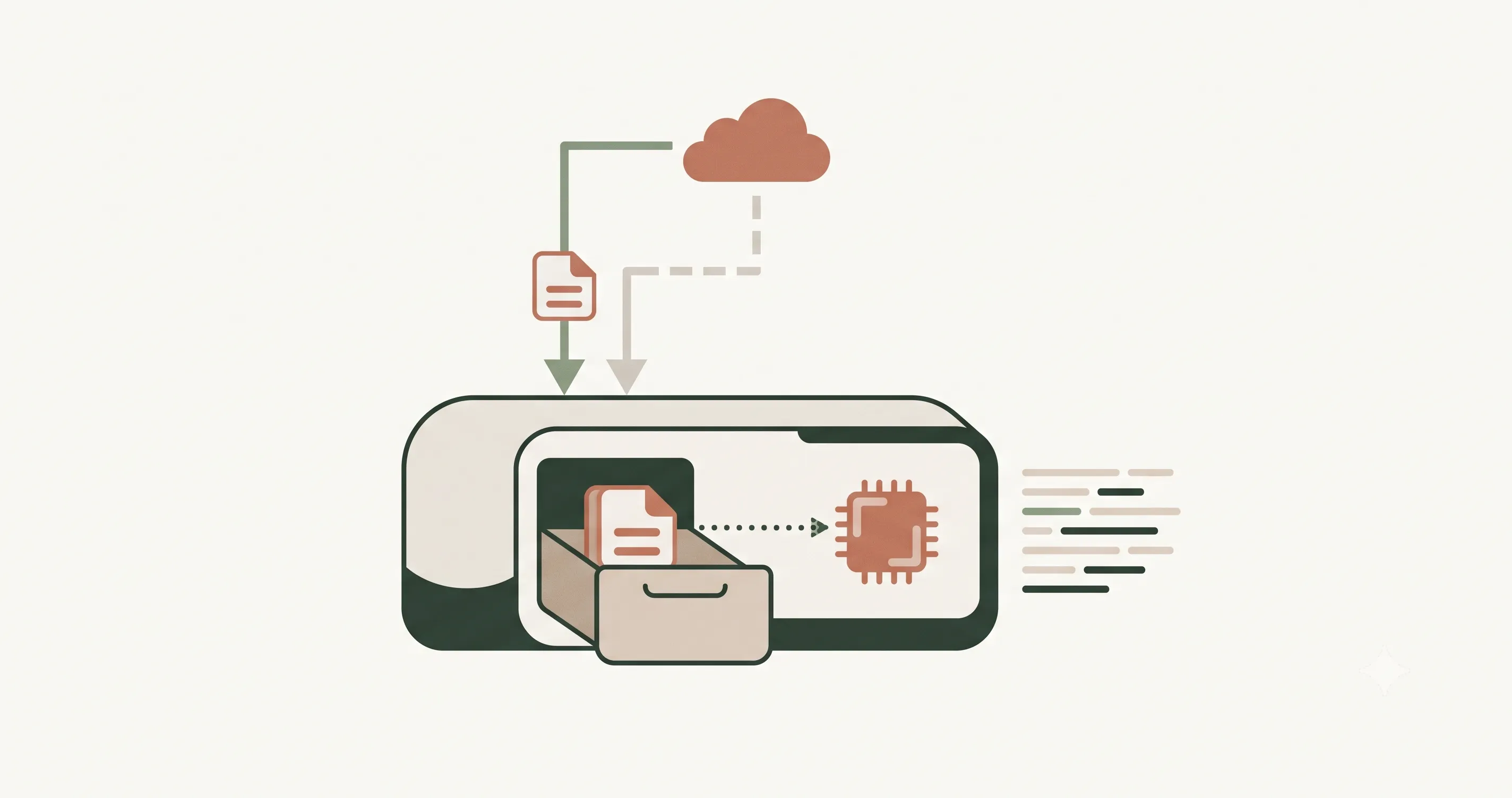
Each language pair (say, English → Spanish) has its own compact model, quantized down to roughly 50–120 MB. The first time you use free translation for a new pair, your browser downloads that model from a public CDN (currently Hugging Face) and caches it. From then on, every translation is computed by your own CPU inside a background worker thread, so the page stays responsive while sentences stream into the output panel one by one.
The shortcut: your browser may already have a translator
Recent versions of Chrome ship with a built-in, on-device browser translation AI. When LangsAny detects that your browser can handle your chosen language pair natively, it uses that engine instead — zero download, instant results, and still fully local translation. The status line under the output panel tells you which engine did the work.
Cloud translation vs local translation, side by side
| Aspect | Cloud translation service | LangsAny (local translation) |
|---|---|---|
| Where it computes | Remote data center | Your own device |
| Your text | Uploaded on every request | Never leaves the browser |
| Cost per request | Real money → limits & tiers | Zero → free translation, unlimited |
| Works offline | No | Yes, once the model is cached |
| Peak quality on long documents | Higher (massive models) | Close for everyday text |
Why the result is free and unlimited
Cloud services pay for GPU servers on every request, so they must either charge you or cap you. With browser translation the cost per request is, quite literally, zero — the computation happens on hardware you already own. That is why LangsAny can offer free translation with no quotas: translating a document costs us nothing, so there is nothing to meter, and what is left — serving a static site — is cheap enough that the pages carry no advertising at all.
Why it is private by construction
Privacy policies are promises; architecture is proof. Because local translation runs in your browser, there is no code path that could upload your text — open your browser's developer tools, watch the Network tab, and confirm that translating produces no request containing your words. The only network traffic is the one-time model download, which contains a file name, never your content.
The honest trade-offs
Local models are much smaller than the giants running in data centers. For everyday text — messages, emails, articles, travel phrases — free translation on-device is remarkably close in quality. For long, highly nuanced documents, a large cloud model may still read more fluently. Our position is simple: when privacy, offline access, or unlimited free translation matter, local translation is the right tool; when they don't, you have plenty of cloud options. That trade-off, and not marketing, is why this site exists.
References & further reading
- 01WebAssembly — official sitewebassembly.org/
- 02Opus-MT: open translation models by Helsinki-NLPgithub.com/Helsinki-NLP/Opus-MT
- 03Transformers.js — run AI models in the browserhuggingface.co/docs/transformers.js
- 04Chrome Translator API (built-in AI)developer.chrome.com/docs/ai/translator-api
Try it yourself
Free translate in your browser — private, unlimited, and offline-capable. No signup.
Open the translator