Online vs Offline Translation: What Do They Actually Mean?
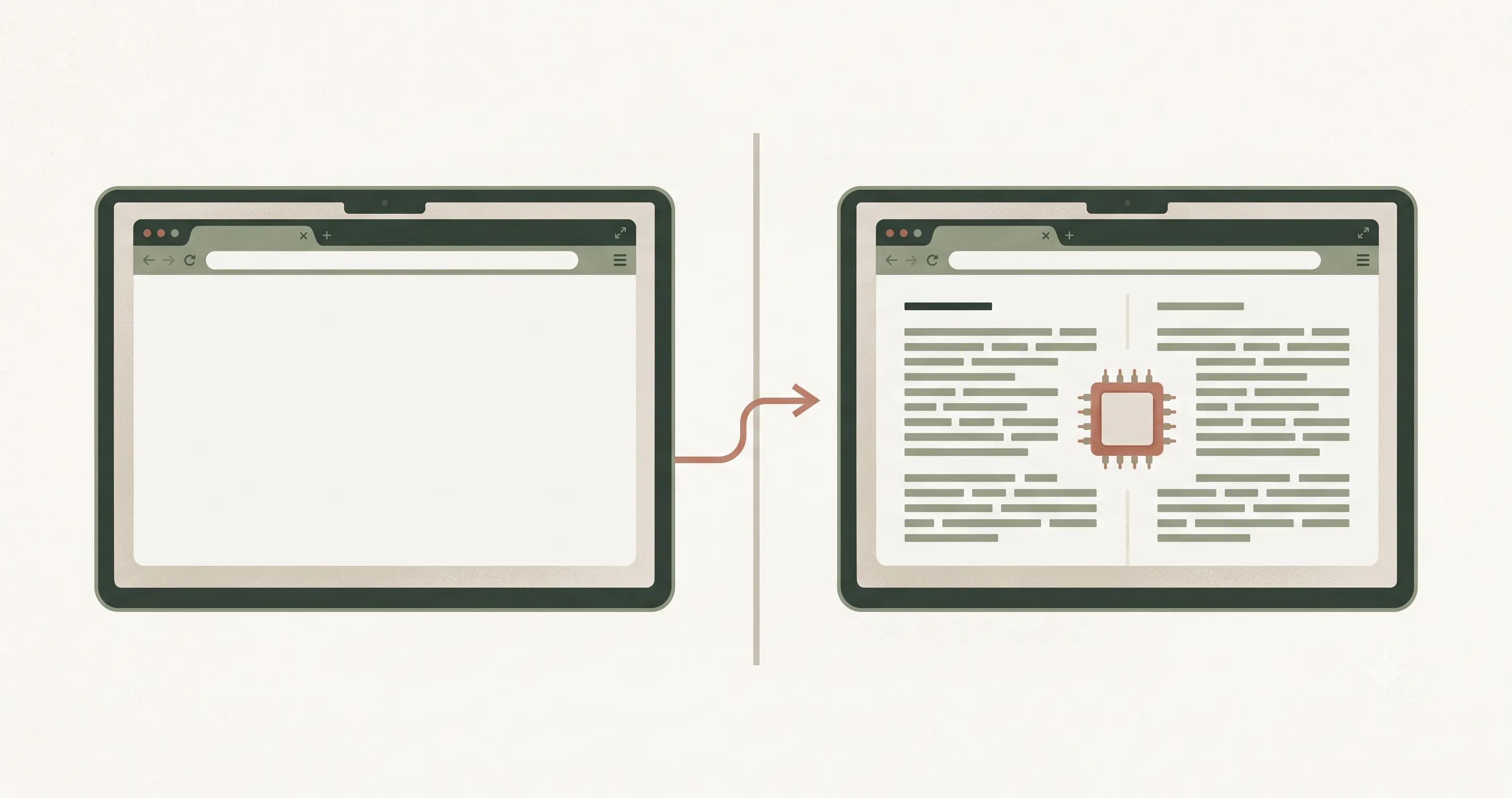
LangsAny gets described as a free online translator and as an offline translator — and both are true, which understandably confuses people. The words are doing two different jobs in that sentence. Let's untangle what online translation and offline translation actually mean, because the distinction matters for privacy, cost, and reliability.
“Online translator” describes how you open it
In everyday speech, an online translator means: a translation tool you use in a web browser, at a URL, without installing software. In that sense LangsAny is absolutely an online translator — you visit langsany.com like any website. No app store, no installer, no extension.
“Where translation happens” is a separate question
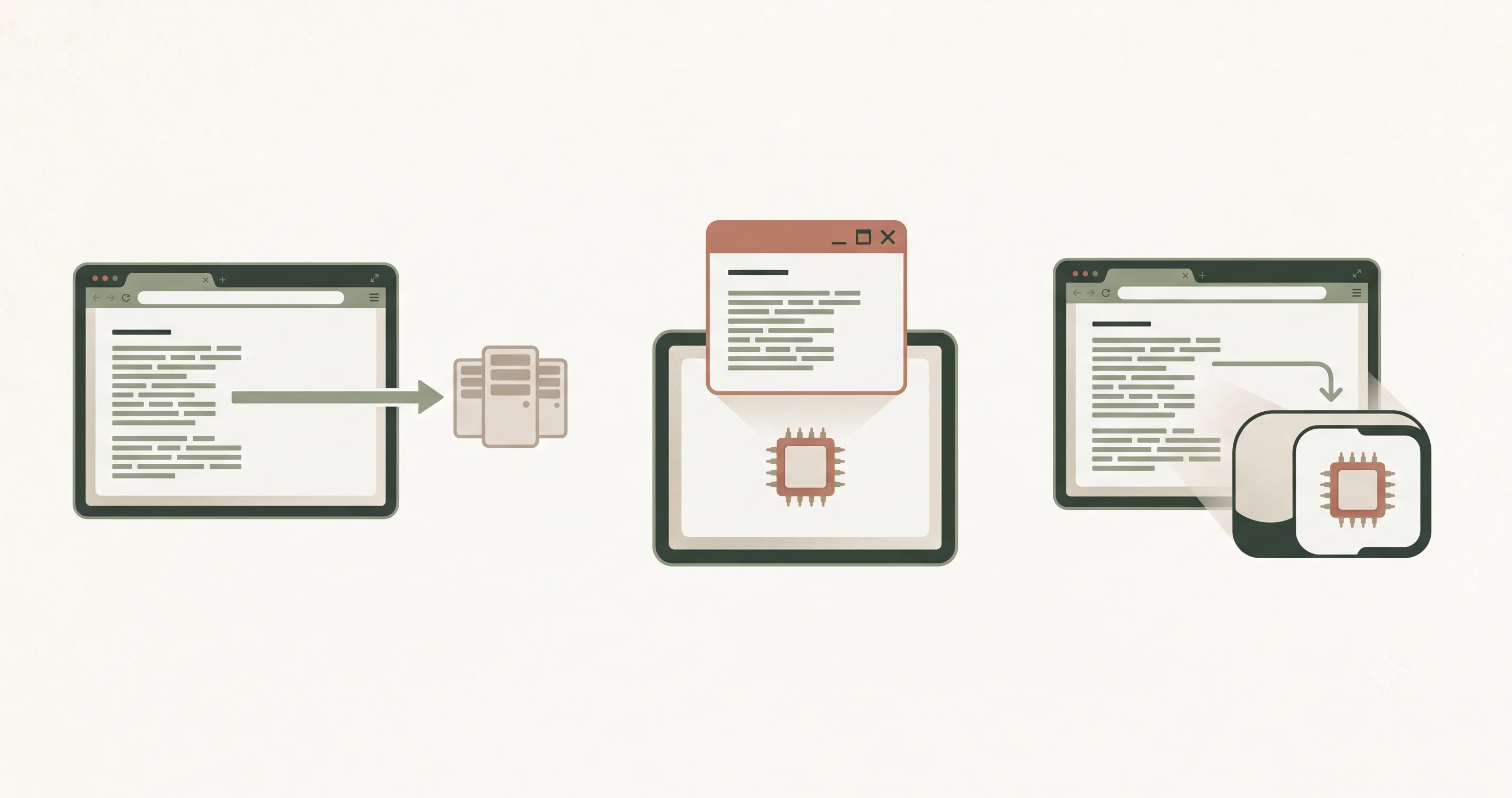
The second, hidden meaning of online translation is architectural: virtually every well-known web translator performs the translation on a remote server. Your text is uploaded, processed in a data center, and the result is sent back. The tool isn't just accessed online — it computes online. That has three consequences: your text leaves your device, every request costs the provider money (hence limits), and no connection means no translation.
LangsAny separates the two. You open it online, but the translating itself is computed locally, by an AI model running inside your browser on your own hardware (via WebAssembly in a background Web Worker). Once the model is cached, offline translation keeps working with no connection at all.
Three architectures, one table
| Typical online translation | Installed offline app | LangsAny | |
|---|---|---|---|
| How you access it | Browser (online) | Installed software | Browser (online) |
| Where it computes | Remote server | Your device | Your device |
| Text uploaded? | Every request | No | Never |
| Needs internet? | Always | No | Only for first model download |
| Cost model | Limits or subscription | Often paid app | Free, unlimited |
So is calling it an “online translator” wrong?
No — it is the honest everyday label for “a translator you use in a browser”, and it is how most people search for online translation tools. What we avoid is the implication hiding inside it: that using a website means surrendering your text to a server. On this site, “online” only ever describes the doorway. What happens behind the door — the actual translating — stays on your device, whether you are connected or not.
Why the distinction is worth caring about
If you only translate memes, it isn't. But if you translate contracts, medical notes, internal emails, or anything under an NDA, the difference between online access and online computation decides whether a tool is usable at work. And if you travel, it decides whether your translator dies with your signal. Free online translation with offline computation — that combination is the whole point of LangsAny.
Quick answers
- Do I need internet to use LangsAny? Only for your first visit and the first time you translate a new language pair. After that, both the site and the models are cached — offline translation just works, even after closing the tab.
- Is it an app I have to install? No — it is a normal website. The model caching happens invisibly inside your browser.
- If it's an online translator, how can my text be private? Because the site ships the translator to your browser instead of shipping your text to a server. The page is online; your words are not.
- Does offline translation mean lower quality? The model is identical online and offline — the connection plays no part in quality.
References & further reading
- 01WebAssembly — official sitewebassembly.org/
- 02Web Workers API — MDN Web Docsdeveloper.mozilla.org/en-US/docs/Web/API/Web_Workers_API
- 03Chrome Translator API (built-in AI)developer.chrome.com/docs/ai/translator-api
Try private local translation
Free translate in your browser — private, unlimited, and offline-capable. No signup.
Open the translator